
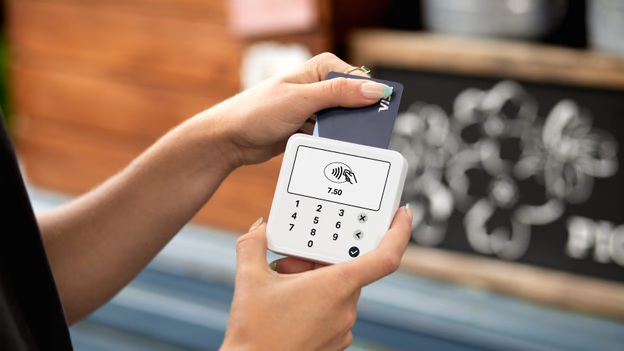
If you’ve ever paid using a debit or credit card, you’ve already used a card reader. But have you ever wondered what actually happens behind the scenes in those few seconds?
In this guide, we’ll break down how a card reader works, the different types available, and why they’re essential for modern businesses.
What Is a Card Reader?
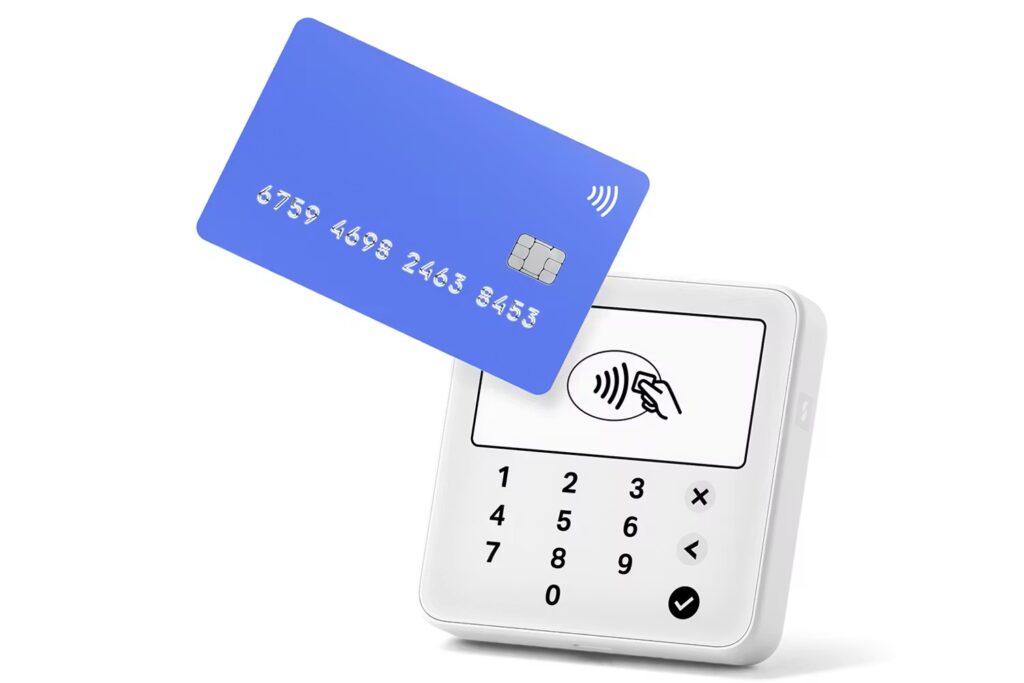
A card reader is a device that allows businesses to accept payments from debit cards, credit cards, and contactless methods like mobile wallets. These devices are commonly used in retail stores, restaurants, and even by mobile vendors.
Popular providers like SumUp and Square have made card readers more accessible, enabling small businesses to accept cashless payments.
How Does a Card Reader Work?
At its core, a card reader captures payment information from a card and securely sends it for authorization. Here’s a simple step-by-step breakdown:
1. Card Interaction (Tap, Insert, or Swipe)
Customers can interact with the reader in three main ways:
- Tap (Contactless / NFC)
- Insert (Chip / EMV)
- Swipe (Magstripe)
Each method transfers card data differently, but all aim to securely capture payment details.
2. Data Capture and Encryption
Once the card is read, the device encrypts sensitive information such as:
- Card number
- Expiry date
- Transaction amount
This ensures the data is protected before being transmitted.
3. Payment Authorization
The card reader sends encrypted data to the payment processor, which communicates with:
- The card network (e.g., Visa or Mastercard)
- The issuing bank
The bank checks if:
- The card is valid
- Sufficient funds are available
- There are no fraud flags
4. Approval or Decline
Within seconds, the bank sends a response:
- Approved → Payment goes through
- Declined → Transaction fails
The result is displayed on the card reader instantly.
5. Transaction Completion
Once approved:
- The payment is recorded
- A receipt is generated (printed or digital)
- Funds are transferred to the merchant account (usually within 1–3 days)
Types of Card Readers
1. Mobile Card Readers
Small, portable devices that connect to smartphones—perfect for on-the-go businesses.
2. Countertop Card Readers
Used in retail stores and connected to POS systems for faster, high-volume transactions.
3. Smart POS Terminals
Advanced devices that combine card reading, inventory, and reporting features.
4. Contactless Readers
Enable tap-to-pay using NFC technology for faster and more hygienic payments.
Key Technologies Behind Card Readers
EMV Chip Technology
Provides enhanced security by generating a unique transaction code every time.
NFC (Near Field Communication)
Allows contactless payments via cards or smartphones.
Payment Gateways
Act as the bridge between the card reader and the bank.
Benefits of Using a Card Reader
- Faster transactions and shorter queues
- Improved customer convenience
- Increased sales (many customers prefer cashless payments)
- Enhanced security with encryption and fraud protection
- Easy integration with POS systems
Are Card Readers Secure?
Yes—modern card readers follow strict security standards such as:
- PCI DSS compliance
- End-to-end encryption
- Tokenization
These measures help protect both businesses and customers from fraud.
Choosing the Right Card Reader
When selecting a card reader, consider:
- Business size and transaction volume
- Connectivity (Wi-Fi, Bluetooth, 4G)
- Compatibility with your POS system
- Fees and transaction rates
- Portability needs
Understanding how a card reader works helps you make smarter decisions for your business. From capturing card data to securing transactions and receiving payments, card readers play a crucial role in today’s cashless economy.
Whether you run a retail store, café, or mobile business, investing in the right card reader can improve efficiency, boost sales, and enhance customer experience.
