
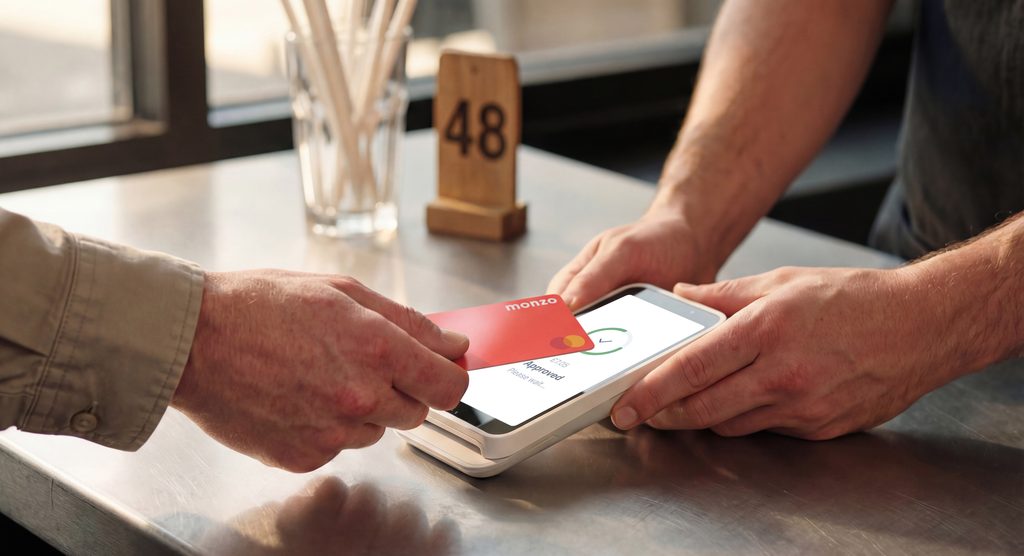
Choosing a payment solution means balancing equipment costs, transaction fees and how you serve customers. Lopay Payments offers UK businesses a choice of smartphone payments, portable card readers and touchscreen terminals.
Whether you work at a fixed counter or visit customers, start by considering where you take payments and which equipment suits your routine.
Lopay Tap to Pay: Accept Payments on Your Smartphone
Lopay Tap to Pay turns a compatible iOS or Android smartphone into a card reader, without additional hardware.
There is no upfront fee, contract or minimum term. Transaction fees apply, plus an additional 8p.
For businesses exploring phone-based payments, check device compatibility before signing up.
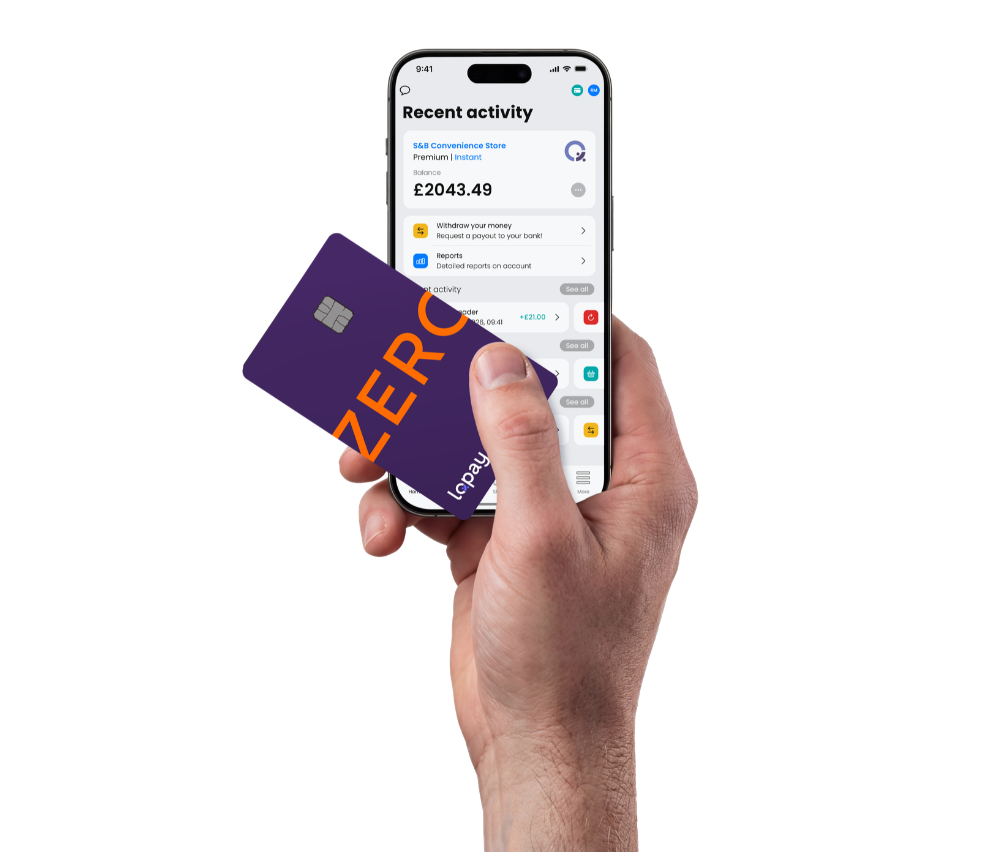
Lopay Card Reader: A Portable Bluetooth Option
Take payments wherever your business takes you with the Lopay WisePad3 Card Reader. Compact and Bluetooth-enabled, it’s handy for on-the-go payments. No contract, no minimum term.
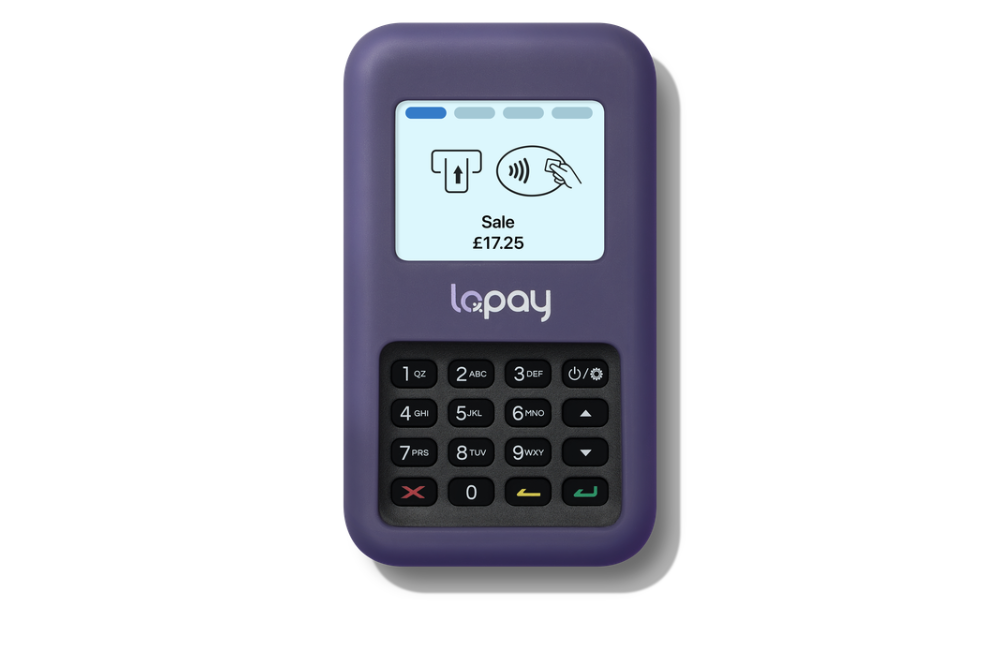
Lopay Business Terminal: Touchscreen Payments
Take fast payments in style with the Lopay Business Terminal. This Wi-Fi-enabled touchscreen device makes accepting payments simple and convenient.
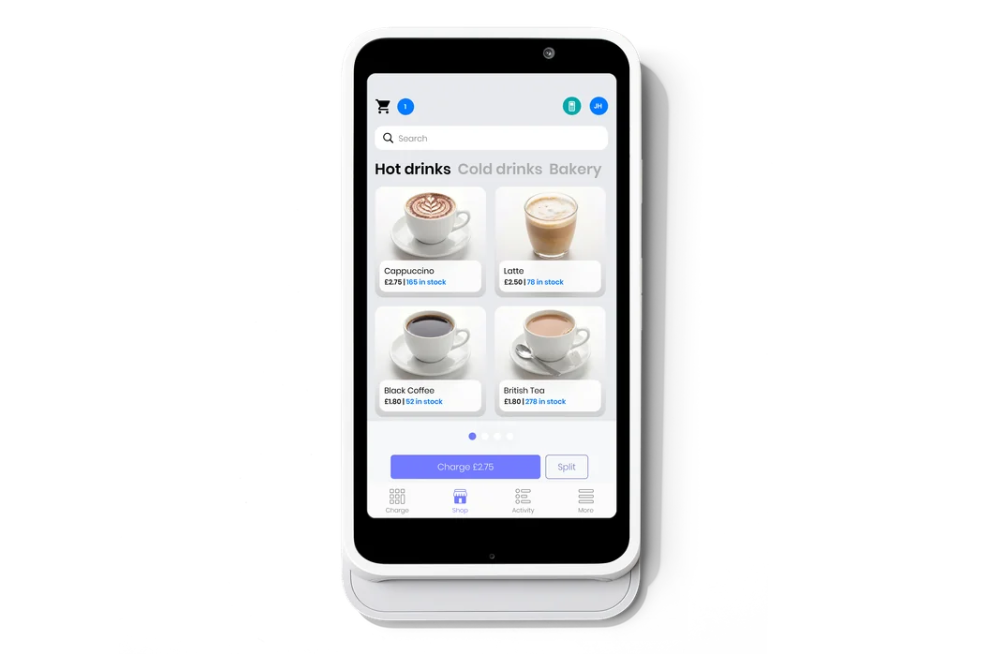
More Tools for Managing Payments
Lopay also provides payment links, Xero invoice payment links, tipping options, transaction reporting and digital receipts. Additional fees apply to payment links and invoicing.
These features are worth reviewing alongside hardware costs: the right setup should support how you collect payments and manage everyday administration.
How Much Does Lopay Cost?
Lopay advertises transaction rates from 0.79%. Your overall cost depends on the payment method, applicable pricing and equipment you choose.
Before deciding, compare:
- Upfront equipment costs or monthly rental.
- Percentage and fixed transaction charges.
- Fees for additional payment services.
- Contract length and renewal terms.
Explore Lopay Payments
Review the available devices and pricing to find an option that suits your business.
